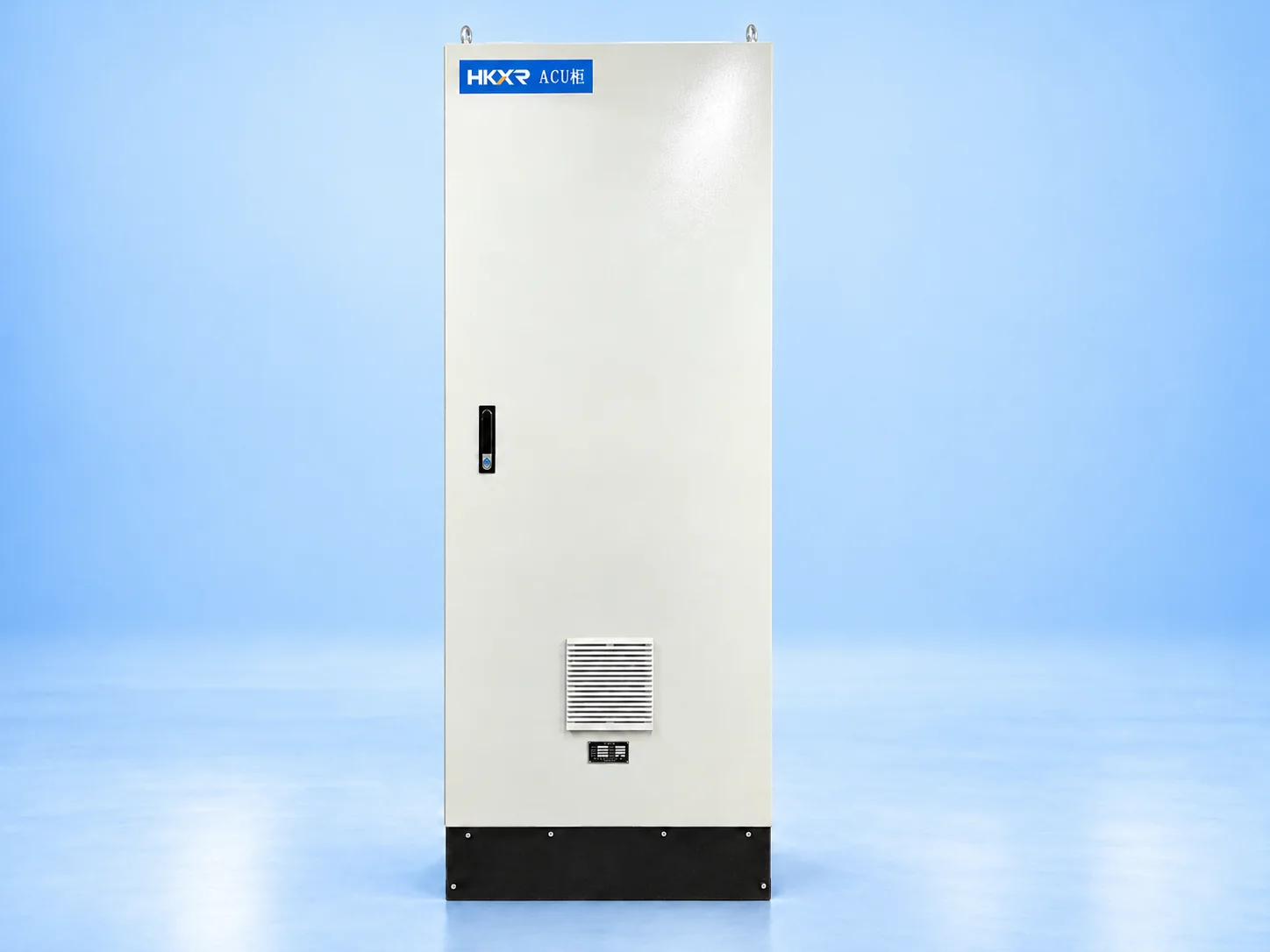
Choose the arrangement below and add the details you have.
Configuration choices
Mechanical layout
Dimensions, material, doors, mounting and cable entries.
Assembly scope
Enclosure-only or panel assembly; design responsibilities are separate.
Electrical layout
Component placement, internal wiring, terminals and identification.
Information to provide
Mechanical brief
GA drawing, dimensions, material, mounting and installation conditions.
Electrical brief
BOM, wiring diagram, circuit requirements and component preferences.
Scope boundaries
Drawing approval, purchasing responsibilities and requested handover documents.
02 Application engineering
Applications
01
OEM equipment assemblies
Custom cabinets bring power devices, controls, operator devices and wiring together for a machine or packaged system. Approved schematics, the bill of materials and interface drawings define the assembly. Component dimensions, heat dissipation, cable segregation and terminal access shape the enclosure layout and acceptance checks.
02
Contractor and project interfaces
Project-specific panels connect supplied equipment to the site's power and control systems. The scope must distinguish an empty enclosure from a wired assembly and identify supplied components and external interfaces. Mounting dimensions, cable entries, terminal schedules and inspection requirements should be resolved before assembly drawings are approved.
03
Replacement and retrofit cabinets
Replacing an existing cabinet requires verified mounting dimensions, cable positions and equipment interfaces. The survey should also establish electrical duties, environmental conditions and which components will be retained. The new layout and agreed inspection plan must address these constraints and define installation interfaces before the changeover is scheduled.
03 Define your configuration
Select your configuration
All fields are optional. Choose one or more options as indicated; use Other for a custom requirement.
Requested scope
Select one.
Mounting
Select one.
Installation
Select one.
Project information
Select all that apply.
Additional requirements
Supply voltage requested
Enter details
Circuit arrangement
Enter details
Enclosure requirement
Enter details
Component preference
Enter details
Supply frequency
Enter details
Current requirement (A)
Enter details
Electrical values entered here are requested requirements. Equipment ratings must match the selected model and its technical datasheet.
Hardware, software, source files and commissioning are separate scope items.
04 Construction and options
Construction & configuration options
Supply scope
Enclosure work, component procurement, wiring and any design work are separate supply items, with their deliverables identified in the quotation.
Enclosure & layout
Dimensions, material, finish, doors and fixing points follow the approved enclosure drawing and selected construction.
Component arrangement
Device and terminal positions organise the internal layout around access and wiring routes. Component substitutions require customer approval.
Cable & operator interfaces
Cable entries, gland plates, pushbuttons, displays and terminals connect the cabinet to operators and field equipment.
Wiring & labelling
Wire marking, terminal numbering and labels follow the approved wiring and identification schedules.
Thermal & delivery scope
Heat losses, ventilation and clearances inform the panel layout. Software, tests and technical documents remain separately identified deliverables.
05 Applicable standards and requirements
Standards & engineering
Project specification
Provide the applicable standard editions, destination requirements and tender specification.
Rating schedule
Keep the electrical ratings and installation limits linked to the selected model.
Verification documents
Identify the required inspection records, test reports and acceptance criteria.
Supply scope
Separate enclosure fabrication, component supply, panel wiring, software and verification requirements in the quotation. Availability and deliverables require confirmation; requested options do not confirm inclusion.